🌐 Official Website (Start Here)
👉 Tamil Nadu e-Services Portal
This is the only official government site to apply/view Patta Chitta.
📝 How to Apply for Patta Chitta Online
Step 1: Open the Portal
- Go to the Tamil Nadu e-Services website
- Choose your language (Tamil / English)
Step 2: Select the Service
- Click “View Patta & FMB / Chitta / TSLR Extract” OR
- For ownership change → click “Apply for Patta Transfer”
Step 3: Enter Property Details
Fill in:
- District (e.g., Chennai)
- Taluk
- Village / Town
- Survey Number or Patta Number
Step 4: Verify with OTP
- Enter mobile number
- Get OTP and verify
Step 5: Upload Documents (for new/transfer)
Upload:
- Sale Deed
- Aadhaar / ID Proof
- Encumbrance Certificate
- Property Tax Receipt
Step 6: Pay Fees
- Pay a small fee (approx ₹60–₹100 depending on service)
Step 7: Submit Application
- Submit and note your Application ID
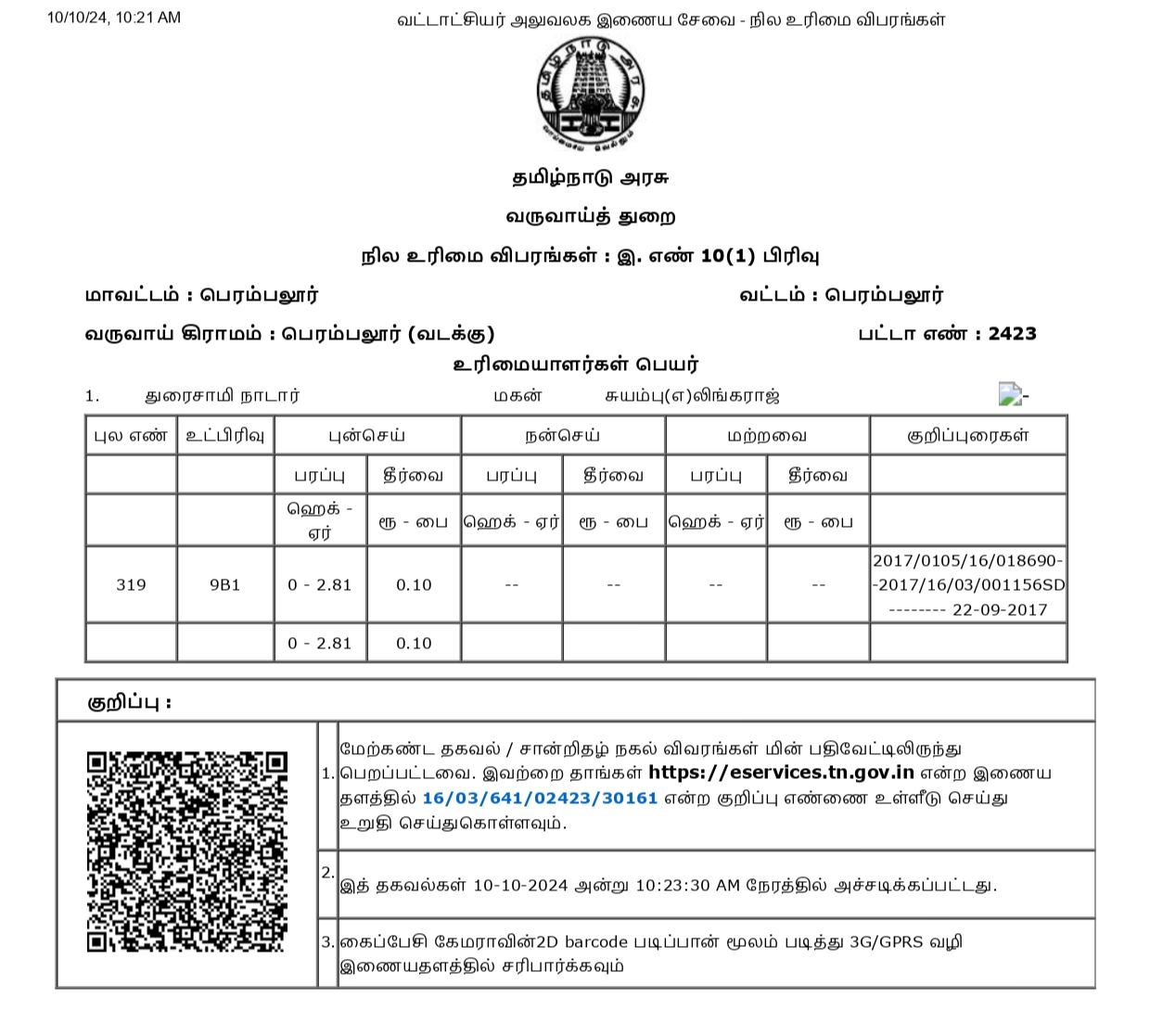
Step 8: Download Patta Chitta
- After approval, download your certificate online
📊 How to Check Application Status
- Go to portal
- Click “Application Status”
- Enter Application ID
📄 Important Notes (Chennai Users)
- For urban areas like Chennai, use TSLR Extract option
- Patta & Chitta are now combined into one document
- Processing time: usually 15–30 days
📱 Alternative (Mobile App)
You can also use apps like TamilNilam to:
- View land details
- Track application status
- Download documents
✅ Quick Summary
- Visit official TN e-Services portal
- Enter land details
- Verify with OTP
- Upload documents (if needed)
- Pay fee & submit
- Download Patta after approval